


GAME DETAIL
JoustMania
種別:ゲーム
発売日:2019年6月11日
日本語対応未確認
無料
Steamレビュー
好評
85.7%
14件
Keep your controller still while trying to jostle others, in this large local, no screen required, party game.
このゲームについて
Steamの詳しい説明を読む
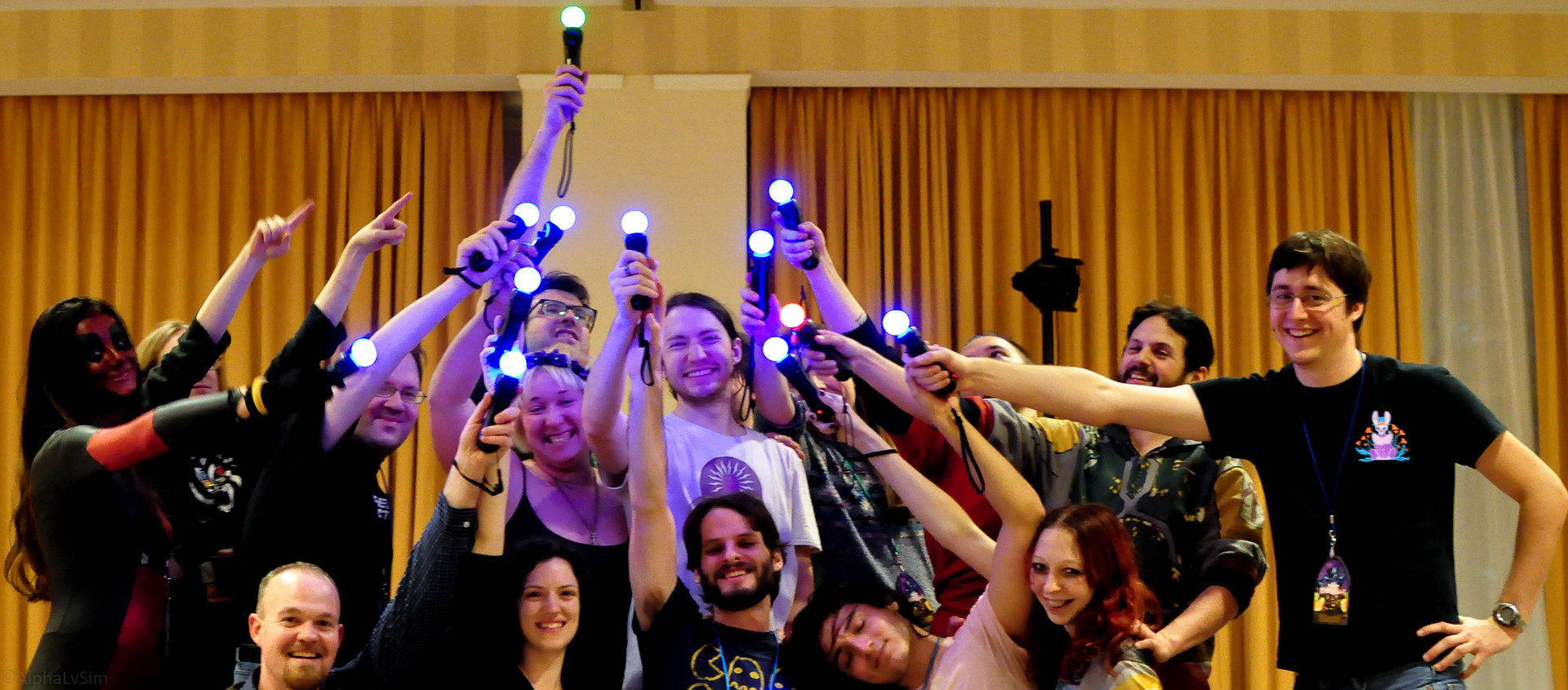
JoustMania is a movement based party game based off of the Jostling mechanic introduced in Johann Sebastian Joust, players try to keep their controller still while jostling others, no screen required. JoustMania features thirteen different game modes, five different sensitivity levels, and a whole range of other features for you and your friends to enjoy.
JoustMania supports up to seven players on Windows, and 18+ on the raspberry pi. Playstation move controllers are required to play this game.
Now with Windows & Steam Machine/Steam Deck Support - Note more than 6 controllers may cause stability issues. For Up to 16+ controllers, please check out the Raspberry Pi version of JoustMania:
GameModes
Joust Free-for-All (2+ players)
Joust Teams (Minimum 3+ players, 4+ players recommended)
Joust Random Teams (3+ players)
Traitors (Minimum 6+ players, 9+ players recommended)
Werewolves (Minimum 3+ players, 6+ players recommended)
Zombies (Minimum 4+ players, 10+ players recommended)
Commander (Minimum 4+ players, 6+ players recommended)
Swapper (Minimum 3+ players, 4+ players recommended)
Fight Club (2+ Players)
Tournament (3+ players)
Non Stop Joust (2+ players)
Ninja Bomb (2+ players)
Random mode
To view rules for each game mode please visit JoustMania Extended Rules
Starting a game
To access different game modes, after pairing a playstation move controller press the select button on the side of the controlelrs. To start a game everyone needs to press the trigger buttons on their controllers.
Pairing
To pair a PlayStation move controller, make sure you follow the above steps to run as an administrator, start JoustMania then plug the controller in and keep on pressing the PlayStation home button until the controller turns a color other than white, you should not have to remove the controller while pairing. If you are using the newer Playstation move controller (CECHZCM2) you will have to click the popup on the bottom right of the screen to allow it to be paired.
Admin Mode
You can become an Admin by pressing all four front buttons on any controller, this will allow you to modify the games settings from the four front buttons on the controller, After a game is played the Admin mode will be reset
(Cross) Add or remove a game from Random mode, your controller will be green if the game is added and Red if it is not, Custom Teams mode can not be added to Random mode
(Circle) Change sensitivity of the game. There are five settings, Ultra High, High, medium, Low, and Ultra low.
(Square) toggle the playback of instructions for each game
(Triangle) show battery level on all controllers
Browser UI
After starting Joustmania, in your web browser go to 127.0.0.1 and you should see a GUI to change game modes and settings from your computer.
Credit to FamilyGamerRadio for the intro video.
スクリーンショット
評価・レビュー
全体レビュー 好評 好評率 85.71% / 14件 取得:2026年9月25日 00:21
ATTENTION
注目度メトリクス
プレイヤー推移
データ蓄積中 24時間平均選択した期間に観測データはありません。
Steamフォロワー推移
2件以上で集計 直近7日選択した期間に観測データはありません。
プレイヤー数とフォロワー数は意味と単位が異なるため、 別々の時系列として表示しています。補間した値は使用していません。
発売後注目度の基礎指標 発売済みタイトルのため、現在プレイヤー数・ピーク値・Steamフォロワー数を組み合わせて勢いを観測します。
| 指標 | 現在値 | 観測状況 |
|---|---|---|
| 現在プレイヤー数 | 0人 | 最終観測:2026年7月30日 20:58(59日経過) |
| 24時間ピーク | データ蓄積中 | 履歴あり・更新待ち・直近7日 0件 |
| Steamフォロワー数 | 未集計 | 最終観測:未集計 |
| 7日フォロワー増加 | 2件以上で集計 | 未集計・直近7日 0件 |
PlayMEXが保存した観測値です。取得時刻と観測数を あわせて確認できます。
ジャンル・機能
機能カテゴリ
PvPRemote Play Togetherファミリーシェアリングマルチプレイヤー共有/分割画面共有/分割画面でのPvP共有/分割画面での協力プレイ協力プレイ
ゲームライフログ
所有ゲームとして同期されると、 このゲームの記録を残せます。