

GAME DETAIL
Hide and Secret: The Lost World
種別:ゲーム
発売日:2019年11月21日
日本語対応未確認
800円
Steamレビュー
レビュー不足または未評価
71.4%
7件
Travel deep into the mysterious jungle of the Lost World! The nefarious treasure thief Jacques kidnapped damsel, and it’s up to you to stop his evil plans before she is sacrificed at the spooky full moon ritual.
このゲームについて
Steamの詳しい説明を読む
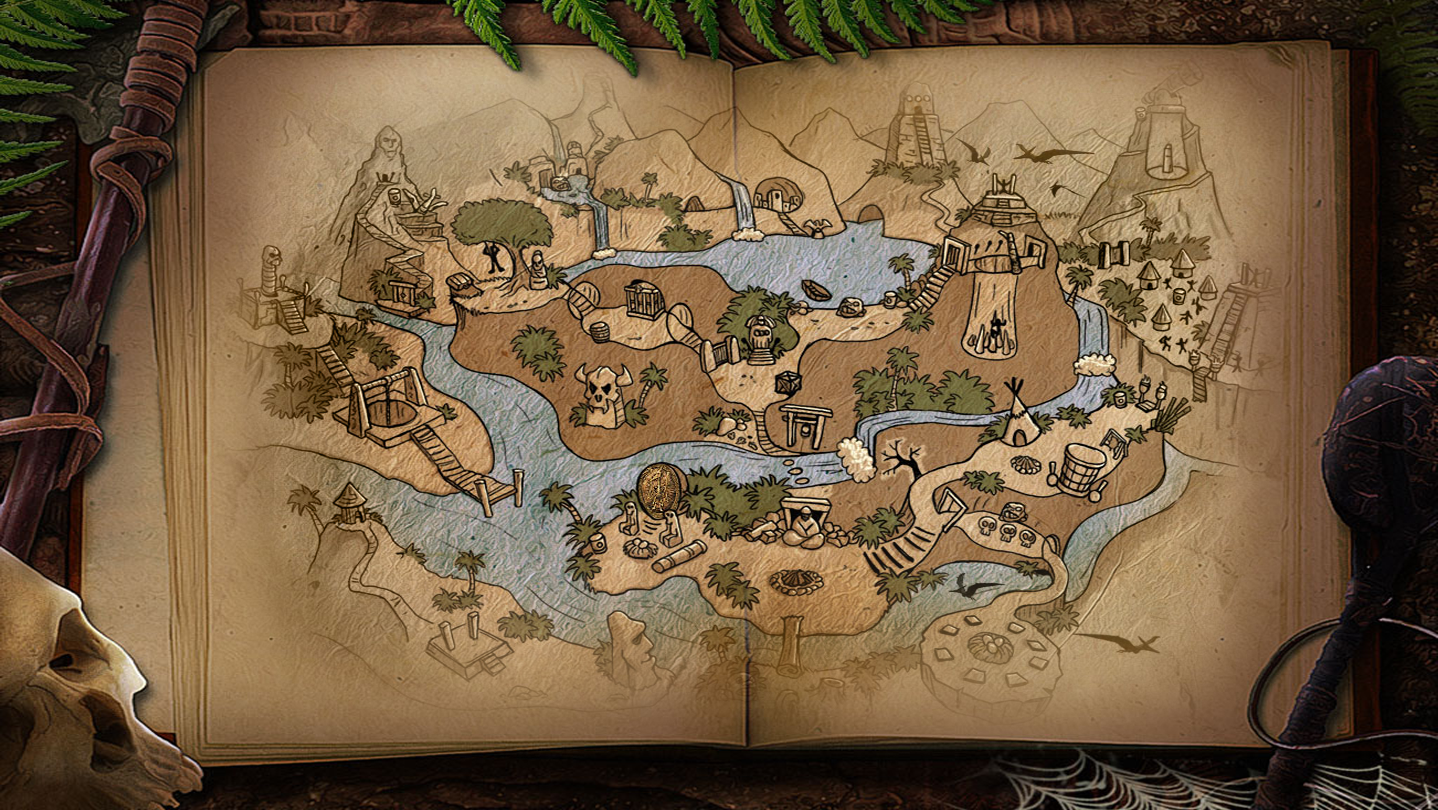
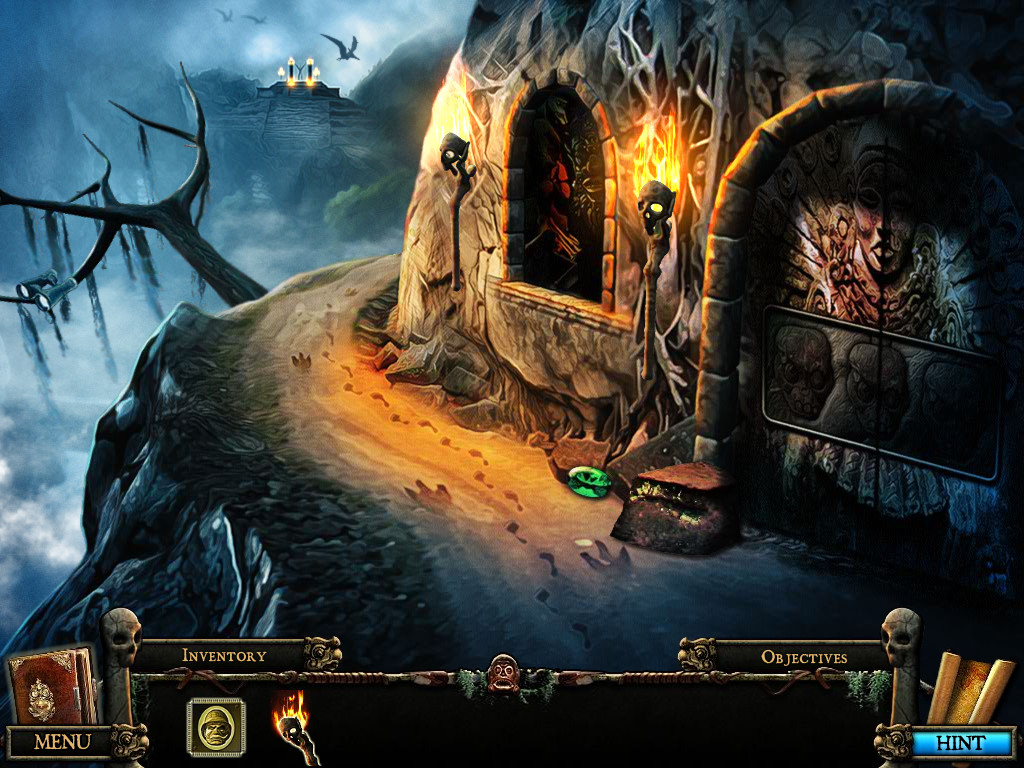
Travel deep into the mysterious jungle of the Lost World! The nefarious treasure thief Jacques has kidnapped another damsel, and it’s up to you to stop his evil plans before she is sacrificed at the spooky full moon ritual. Journey through haunted ruins and diabolical traps on your quest to find the secret Golden Treasure, and unravel the mystery of this epic adventure before it’s too late in this exciting Hidden Object Puzzle Adventure game!
Features / General Tips:
This is a Hidden Object Puzzle Adventure game.
There is no timer.
The game autosaves automatically.
There are unlimited Hints, just wait for the HINT Button the recharge.
When there is an item to find, clicking on the HINT button will show it circled in white stars.
When there are no items to find, clicking on the HINT button will display text instructions for solving your current Objectives.
The Journal Icon in the lower left will glitter when it has new information for you.
Once you get the Map, it will appear as an icon in the lower right. You can use the Map to travel between any two locations that you have already visited.
You will need to revisit each location several times during the game. When you see sparkles, a Hidden Object Scene or mini-game is available. You can also click on characters to talk to them.
Skip a mini-game by clicking the SKIP Button once it has recharged.
One item in each Hidden Object scenes can be used elsewhere in the game. The game refers to these as Handy Items.
You may be awarded a Handy Item for completing a mini-game.
Some characters will give you a Handy Item after you complete a task for them.
All of your Handy Items are stored in your backpack in the lower right. You can scroll through these by using the arrows on the left and right of backpack.
You may not be able to use a Handy Item until a long time after you’ve collected it.
Move your cursor slowly around and you will find from 1 to 4 yellow arrows which are exit points to other scenes. An exit arrow can point up, down, left, or right.
Sometimes the Up Exit is off to one side or another, usually associated with a building or path there.
Some exits are locked until you do other things in the game. So each time you revisit a scene, scan again to see if new exit arrows have opened.
When you get stuck and can’t think of what to do next, check your Handy Items to see if there are any you can use. If not, search each location to see if any Hidden Object scenes have become available.
Use the Down Exit to leave a Zoom Scene or mini-game.
When you are doing a jigsaw puzzle mini-game, a piece will lock into place once it is in the right position.
When you are doing a rows and columns mini-game, the pieces do not lock into place when they are in correct position.
スクリーンショット
評価・レビュー
全体レビュー レビュー不足または未評価 好評率 71.43% / 7件 取得:2026年7月21日 14:34
ATTENTION
注目度メトリクス
プレイヤー推移
データ蓄積中 24時間平均選択した期間に観測データはありません。
Steamフォロワー推移
2件以上で集計 直近7日選択した期間に観測データはありません。
プレイヤー数とフォロワー数は意味と単位が異なるため、 別々の時系列として表示しています。補間した値は使用していません。
発売後注目度の基礎指標 発売済みタイトルのため、現在プレイヤー数・ピーク値・Steamフォロワー数を組み合わせて勢いを観測します。
| 指標 | 現在値 | 観測状況 |
|---|---|---|
| 現在プレイヤー数 | 0人 | 最終観測:2026年7月31日 15:18(58日経過) |
| 24時間ピーク | データ蓄積中 | 履歴あり・更新待ち・直近7日 0件 |
| Steamフォロワー数 | 未集計 | 最終観測:未集計 |
| 7日フォロワー増加 | 2件以上で集計 | 未集計・直近7日 0件 |
PlayMEXが保存した観測値です。取得時刻と観測数を あわせて確認できます。
ジャンル・機能
機能カテゴリ
シングルプレイヤーファミリーシェアリング
ゲームライフログ
所有ゲームとして同期されると、 このゲームの記録を残せます。