
![Mocap Fusion [ VR ]の作品画像](https://shared.akamai.steamstatic.com/store_item_assets/steam/apps/1540000/header.jpg?t=1708146572)
GAME DETAIL
Mocap Fusion [ VR ]
種別:ゲーム
発売日:2023年12月17日
日本語対応未確認
10,900円
Steamレビュー
やや好評
77.8%
27件
Create full-body motion capture using custom avatars and VR hardware. Include facecap, lipsync, eye tracking and more. Export entire mocap scenes directly to Blender using built-in automation - from recording to rendering in minutes!
このゲームについて
Steamの詳しい説明を読む
Motion Capture Fusion [VR] is an immersive roomscale mocap sandbox for artists and animators who wish to create and export motion capture animations, or create live content, using conventional VR hardware. With as little as a single VR HMD and two controllers users may create mocap on their own avatars. Advanced users may create more detailed motion capture including full body tracking and can be combined with other sensors (eg. Apple IPhone Truedepth sensor and Oculus Quest 2 optical finger tracking) to connect avatars to simultaneous inputs. This fusion of multiple sensor can combine many layers of motion capture in a single take; including: full body tracking, face capture, lipsync, gaze tracking, optical finger tracking.
Highlights
Record motion capture using custom avatars, scenes and props.
Add custom shaders, textures, emotes expressions, dynamicbone physics and more.
Vive pro eye, Vive lip tracking and Iphone ARkit facecap support.
HTC Vive, Valve Index, Oculus Rift, Oculus Quest2, some WMR headsets.
Can be used without VR, trackers only, or with only IPhone head tracking.
Add multiple avatars into a scene, build storyboards, react to other prerecorded avatars.
Camera motion capture and zoom, player acts as the cinematographer in VR.
VTOL and Fixed Wing flight simulation vehicle platforms for aerial photography shots.
Supported Output Formats
Exports to SFM (.dmx).
Exports to Blender (.blend).
Exports to Unity (.anim).
Live-Link (live production) and Live-Recording plugins
Live Link plugin available for Unreal Engine (live avatar sync, live recording).
Live Link plugin available for Blender (live avatar sync, live recording).
Live Link plugin available for Unity (live avatar sync).
Include custom avatars and use the avatar throughout the production workflow. This eliminates the need for retargeting and ensures the mocap data always fits 1:1 without causing any offsets in the final results.
One of the unique features of Mocap Fusion is that it has the ability to export motion capture data and reconstruct the scene in Blender, making it available for final rendering in minutes.
Compatible Headsets (VR HMDs)
Valve Index
HTC Vive (and Vive Pro Eye).
Oculus Quest (1 and 2).
Optional Tracking Hardware
SteamVR Vive trackers.
IPhone Truedepth sensor (facecap and eye tracking).
Oculus Quest 2 (full optical finger tracking).
Capabilities
Export mocap and create scenes in Blender™ instantly.
HTC™ Vive Trackers (Up to 11 optional points) full body tracking.
Ability to record, playback, pause, slomo, scrub mocap in VR.
Customizable IK profiles and avatar parameters.
SteamVR Knuckles support for individual finger articulation.
Quest 2 optical finger tracking app for individual finger articulation and finger separation.
Vive Pro Eye blink and gaze tracking support.
Sidekick IOS Face capture app (Truedepth markerless AR facial tracking).
User customizable Worlds, Avatar and Props may be built for mocap using the APS_SDK.
Compatible with existing Unity3D™ avatars and environments.
Supports custom shaders on mocap avatars.
DynamicBone support for adding hair, clothing and body physics simulation to avatars.
Breathing simulation for added chest animation.
Add/Record/Export VR Cameras for realistic camera mocap (eg. VR Cameraman effect).
Optimization for exporting mocap (.bvh) data to Daz 3D.
Placement of "streaming" cameras for livestreaming avatars to OBS or as desktop overlays.
Microphone audio recording with lip-sync visemes and recordable jaw bone rotation.
Storyboard mode, save mocap experiences as pages for replaying or editing later.
Animatic video player, display stories and scripts, choreograph movement.
Dual-handed weapon IK solvers for natural handling of carbines.
Recordable VTOL platform for animating helicopter flight simulation (eg. news choppers).
VR Camcorders and VR selfie cams may be rigidly linked to trackers.
VR props and firearms may be rigidly linked to trackers.
Ghost curves for visualizing the future locations of multiple avatars in a scene.
Gameplay
The experience depends on the user's PC and the tracking hardware used. The recommended SteamVR headsets are the Valve Index or the HTC Vive. A Quest HMD may also produce reasonable results. It is also possible to use the software without an HMD (eg. when livestreaming). Full body tracking is only available when using feet and hip trackers (and optional elbows, knees, chest). Users may achieve more realistic tracking results when using body trackers. Body trackers are optional and standing mocap is supported. Further realism my be achieved on compatible avatars by also enabling face capture or using a Vive Pro Eye for gaze and blink tracking.
History
Originally this was designed as an intuitive way for users to create virtual training videos and presentation in an immersive VR environment for added realism and then export their animation for rendering. The project was made available to a community for beta testing and since has received feedback and many feature requests which has helped add to the utility of the software for a verity of different creators.
スクリーンショット
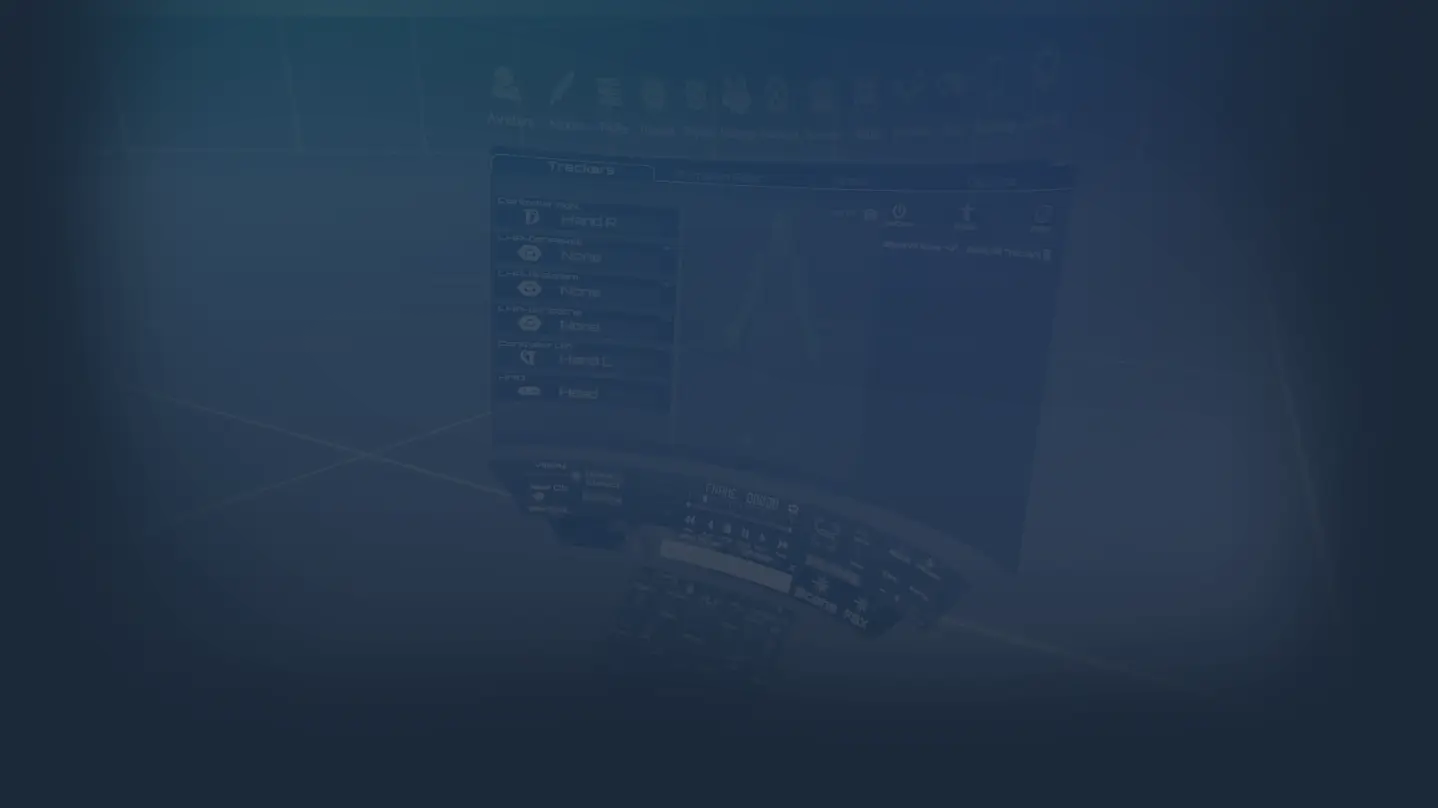
![Mocap Fusion [ VR ]のスクリーンショット 1](https://shared.akamai.steamstatic.com/store_item_assets/steam/apps/1540000/ss_7027d2a188368f3a5cbe731838f3f8b567c53a55.1920x1080.jpg?t=1708146572)
評価・レビュー
全体レビュー やや好評 好評率 77.78% / 27件 取得:2026年7月25日 10:28
ATTENTION
注目度メトリクス
プレイヤー推移
データ蓄積中 24時間平均選択した期間に観測データはありません。
Steamフォロワー推移
2件以上で集計 直近7日選択した期間に観測データはありません。
プレイヤー数とフォロワー数は意味と単位が異なるため、 別々の時系列として表示しています。補間した値は使用していません。
発売後注目度の基礎指標 発売済みタイトルのため、現在プレイヤー数・ピーク値・Steamフォロワー数を組み合わせて勢いを観測します。
| 指標 | 現在値 | 観測状況 |
|---|---|---|
| 現在プレイヤー数 | 0人 | 最終観測:2026年8月6日 15:22(50日経過) |
| 24時間ピーク | データ蓄積中 | 履歴あり・更新待ち・直近7日 0件 |
| Steamフォロワー数 | 未集計 | 最終観測:未集計 |
| 7日フォロワー増加 | 2件以上で集計 | 未集計・直近7日 0件 |
PlayMEXが保存した観測値です。取得時刻と観測数を あわせて確認できます。
ジャンル・機能
機能カテゴリ
SteamワークショップVR限定ファミリーシェアリングマルチプレイヤー被追跡コントローラサポート
ゲームライフログ
所有ゲームとして同期されると、 このゲームの記録を残せます。