
GAME DETAIL
Bonk'd Audio Visualizer
種別:ゲーム
発売日:2022年6月16日
日本語対応未確認
205円
Steamレビュー
好評
100.0%
11件
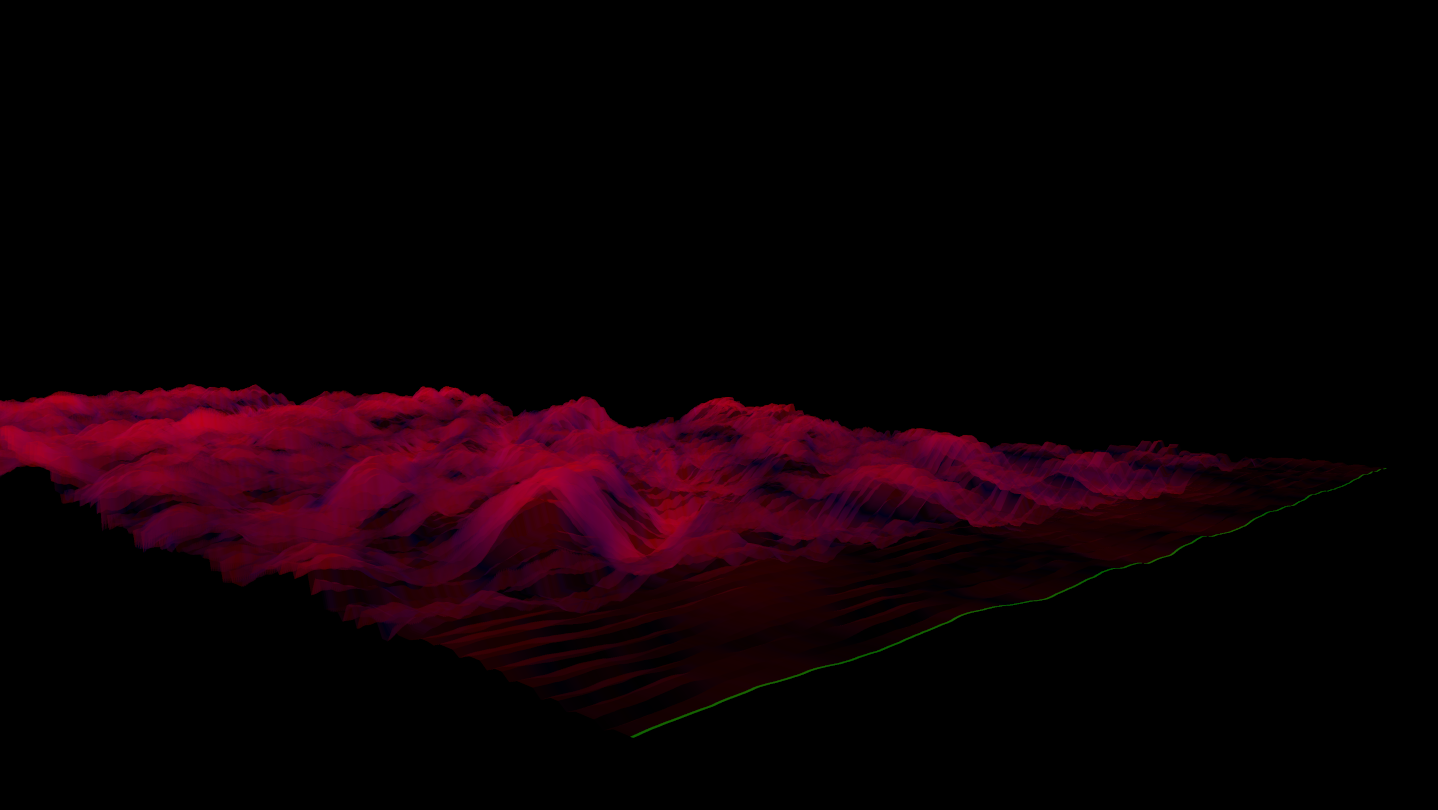
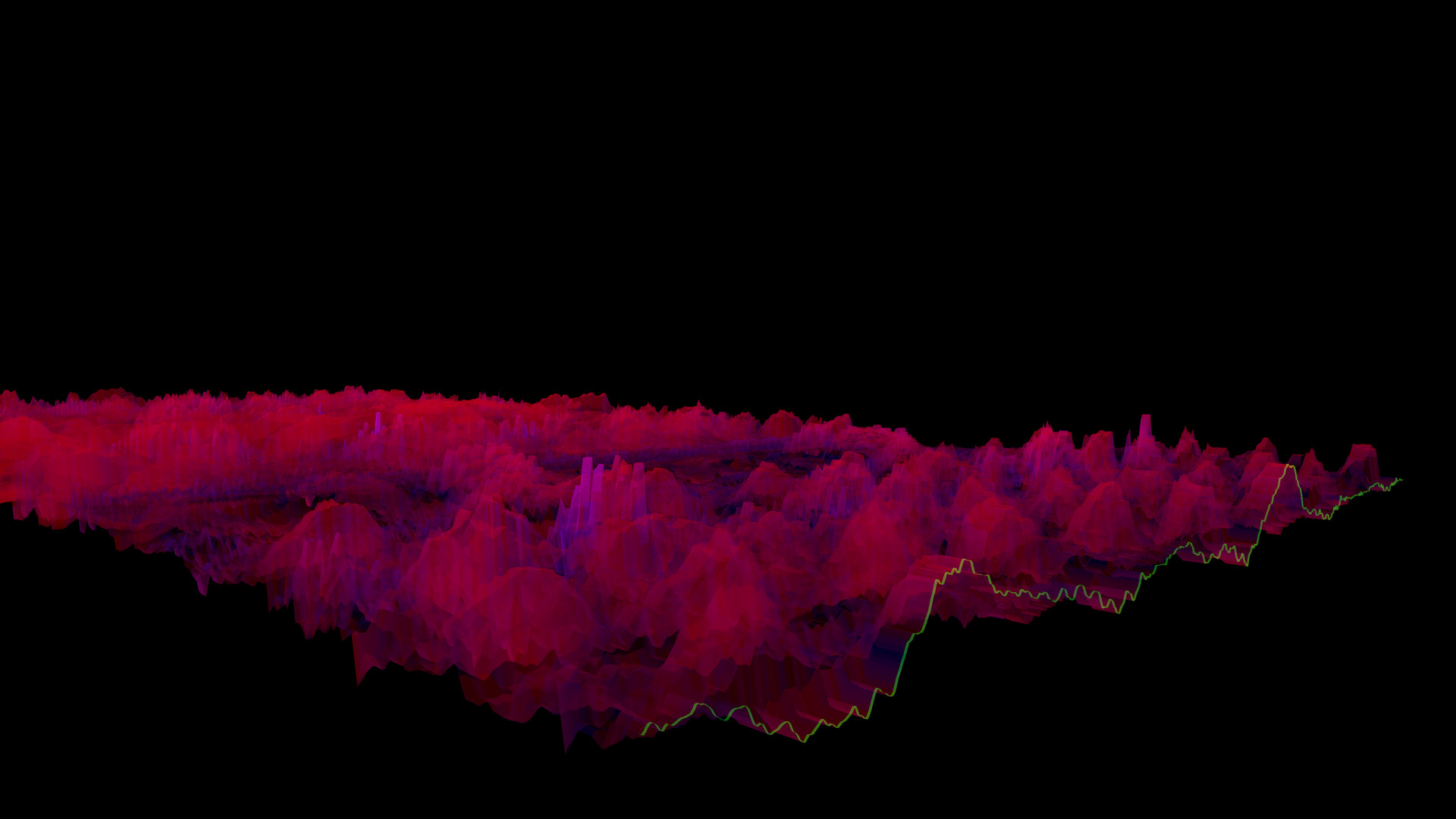
Lightweight 3D audio visualizer with a minimalist, modern design.
このゲームについて
Steamの詳しい説明を読む
Features
The Bonk'd Audio Visualizer is a 3D audio visualizer written in C/C++ with Vulkan, designed for Linux first, Windows second. It is designed to be lightweight, fast, and low latency. Future planned features include:
-Desktop background rendering
-Customizable colors (can be customized with command line options right now)
-Customizable speed (can be customized with command line options right now)
-Customizable wave heights/sample rate/sample size (also customizable via command line options right now)
Stretch goals depending on reception:
-VR
-Control of viewport
-Gamification of some sortUsage
Simply start Bonk'd Audio Visualizer and start playing your favorite music and enjoy! Fruther configuration can be changed with launch options, explained in the Manual.txt included with game files, soon to be available through a configuration file, and then potentially a UI to change things live. Hit escape to close the program.Notes
If you're running on Linux by default the application uses PipeWire, an option to use straight ALSA is available with -alsa in the launch options, it presently connects to the mic instead of the default output device, a fix is in the works. Testing was completed on Fedora 36, but any linux with Pipewire and proper Vulkan drivers should work with the default settings just fine.
Many features are available through launch parameters, customization of the rendering, swapping starting monitors, switching audio interface, and forcing usage of integrated or dedicated GPUs are just a few of the available options through launch parameters. These features are being moved into a config file, and then later into a GUI application, but have been provided as launch options to give access to them as early as possible.
For convenience, the launch parameters are listed below, and are included in the Manual.txt in the software installation.
Available options:
Option syntax >>>> description
-wh (integer) >>>>> set wave height, default is 25
-a (real number) >>>>> set alpha (transparency) default 0.25
-mt (integer) >>>> set move time default 6
-alsa >>>>> use ALSA instead of PipeWire (linux only)
-window >>>>> run windowed instead of fullscreen
-fi >>>>> force use of integrated GPU*
-fd >>>>> force use of dedicated GPU*
-debug >>>>>> print debug output to bav_log.log
-display >>>>> set which display to render to (fullscreen only)
*Steam appears to "hide" GPUs from Vulkan when multiple GPUs are present on a machine. You can run the program from command line/terminal with the force parameters and they will function as expected, but through Steam you may run into trouble with them. There may be ways to circumvent this with environment variables or how you run steam, but I've not found a surefire way to do so, ymmv.
Trailer music graciously provided by NCS, link to song:
スクリーンショット
評価・レビュー
全体レビュー 好評 好評率 100.00% / 11件 取得:2026年7月27日 00:38
ATTENTION
注目度メトリクス
プレイヤー推移
データ蓄積中 24時間平均選択した期間に観測データはありません。
Steamフォロワー推移
2件以上で集計 直近7日選択した期間に観測データはありません。
プレイヤー数とフォロワー数は意味と単位が異なるため、 別々の時系列として表示しています。補間した値は使用していません。
発売後注目度の基礎指標 発売済みタイトルのため、現在プレイヤー数・ピーク値・Steamフォロワー数を組み合わせて勢いを観測します。
| 指標 | 現在値 | 観測状況 |
|---|---|---|
| 現在プレイヤー数 | 0人 | 最終観測:2026年8月16日 11:02(42日経過) |
| 24時間ピーク | データ蓄積中 | 履歴あり・更新待ち・直近7日 0件 |
| Steamフォロワー数 | 未集計 | 最終観測:未集計 |
| 7日フォロワー増加 | 2件以上で集計 | 未集計・直近7日 0件 |
PlayMEXが保存した観測値です。取得時刻と観測数を あわせて確認できます。
ジャンル・機能
ジャンル
機能カテゴリ
シングルプレイヤーファミリーシェアリング
ゲームライフログ
所有ゲームとして同期されると、 このゲームの記録を残せます。