


GAME DETAIL
Android Exporter for Clickteam Fusion 2.5
種別:DLC
発売日:2013年12月27日
日本語対応未確認
9,980円
Steamレビュー
やや好評
73.5%
49件
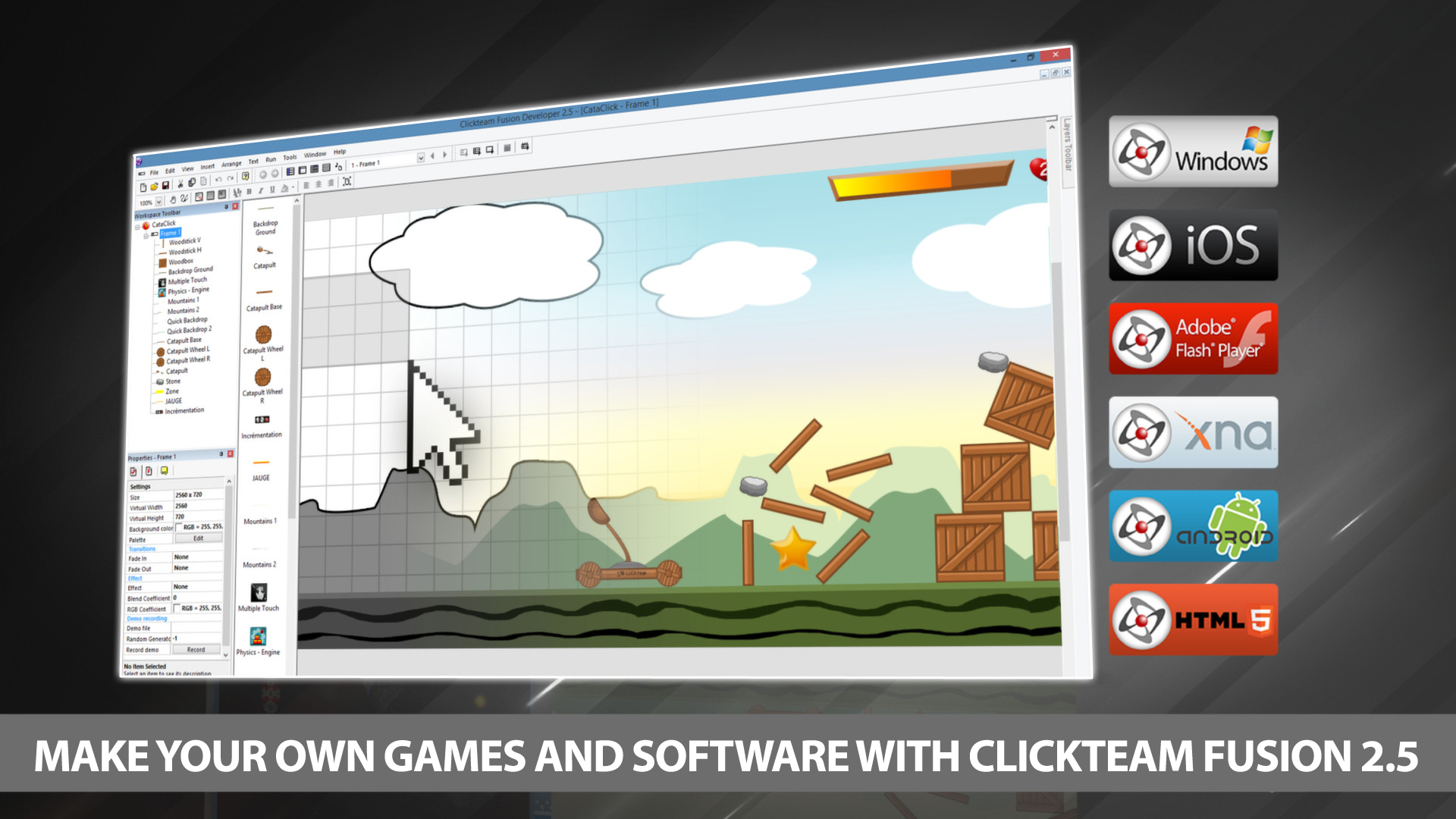
Ride the wave of creativity with the ever increasingly popular Android platform from Google. Developing Android applications using Clickteam Fusion 2.5 and Clickteam Fusion 2.5 Developer the Android export module gives you the power to create quality apps for Android quickly and effectively.
このゲームについて
Steamの詳しい説明を読む
Ride the wave of creativity with the ever increasingly popular Android platform from Google. Developing Android applications using Clickteam Fusion 2.5 and Clickteam Fusion 2.5 Developer the Android export module gives you the power to create quality apps for Android quickly and effectively.
Using our unique drag and drop interface and the amazing event line editor you can create any kind of 2d game or app you can imagine for Android powered phones and Tablets. After your creation is complete simply click “Build & Run” and a APK file will be generated and installed on your test device all with one click (Auto Install supported on most devices).
Get into one of the fastest growing mobile software markets now with Clickteam Fusion 2.5 and the Android Exporter.
What do you need to create an Android application
You need to install Android Studio. After Android Studio is installed, open Clickteam Fusion 2.5, open the Preferences, select the General tab, and then select the Android exporter in the exporter list. You need to indicate the pathname of the Java SDK and the pathname of the Android SDK. Both are installed by Android Studio.
1. The Java SDK is usually installed in the jre sub-directory of Android Studio, by default C:\Program Files\Android\Android Studio\jre. Verify this directory exists on your machine and use it as "Pathname of the JDK directory" in the preferences of Clickteam Fusion 2.5.
2. The Android SDK is usually installed in your local Application Data directory, by default in C:\Users\YourName\AppData\Local\Android\Sdk. Replace YourName by your Windows user name. Verify this directory exists on your machine and use it as "Pathname of the Android SDK directory" in the preferences of Clickteam Fusion 2.5. If you can't find the mentioned folder, open Android Studio, open its Settings and select Android SDK in the list. The pathname of the Android SDK will be displayed in the Android SDK Location box.
And later when you want to release applications:
1. You will need a certificate to sign your applications before being able to release them.
2. If you want to publish applications on the Android Market, you will need to register a developer account on ($25).
スクリーンショット
評価・レビュー
全体レビュー やや好評 好評率 73.47% / 49件 取得:2026年8月27日 08:09
ATTENTION
注目度メトリクス
プレイヤー推移
データ蓄積中 24時間平均選択した期間に観測データはありません。
Steamフォロワー推移
2件以上で集計 直近7日選択した期間に観測データはありません。
プレイヤー数とフォロワー数は意味と単位が異なるため、 別々の時系列として表示しています。補間した値は使用していません。
発売後注目度の基礎指標 発売済みタイトルのため、現在プレイヤー数・ピーク値・Steamフォロワー数を組み合わせて勢いを観測します。
| 指標 | 現在値 | 観測状況 |
|---|---|---|
| 現在プレイヤー数 | 未集計 | 最終観測:未集計 |
| 24時間ピーク | データ蓄積中 | 未集計・直近7日 0件 |
| Steamフォロワー数 | 未集計 | 最終観測:未集計 |
| 7日フォロワー増加 | 2件以上で集計 | 未集計・直近7日 0件 |
PlayMEXが保存した観測値です。取得時刻と観測数を あわせて確認できます。
ジャンル・機能
ジャンル
機能カテゴリ
MMOSteamランキングSteam実績クロスプラットフォームマルチプレイヤーシングルプレイヤーダウンロードコンテンツマルチプレイヤー共有/分割画面協力プレイ
ゲームライフログ
所有ゲームとして同期されると、 このゲームの記録を残せます。