

GAME DETAIL
Slither Link Plus
種別:ゲーム
発売日:2025年9月14日
日本語対応
265円
Steamレビュー
レビュー不足または未評価
100.0%
9件
SlitherLink Plus — Train your brain with daily logic puzzles. Use numbers to draw one continuous loop across Square, Hex, Kite, and Cairo grids, etc, each with unique logic. Hundreds of handcrafted levels + infinite mode keep your reasoning sharp and your mind engaged.
このゲームについて
Steamの詳しい説明を読む
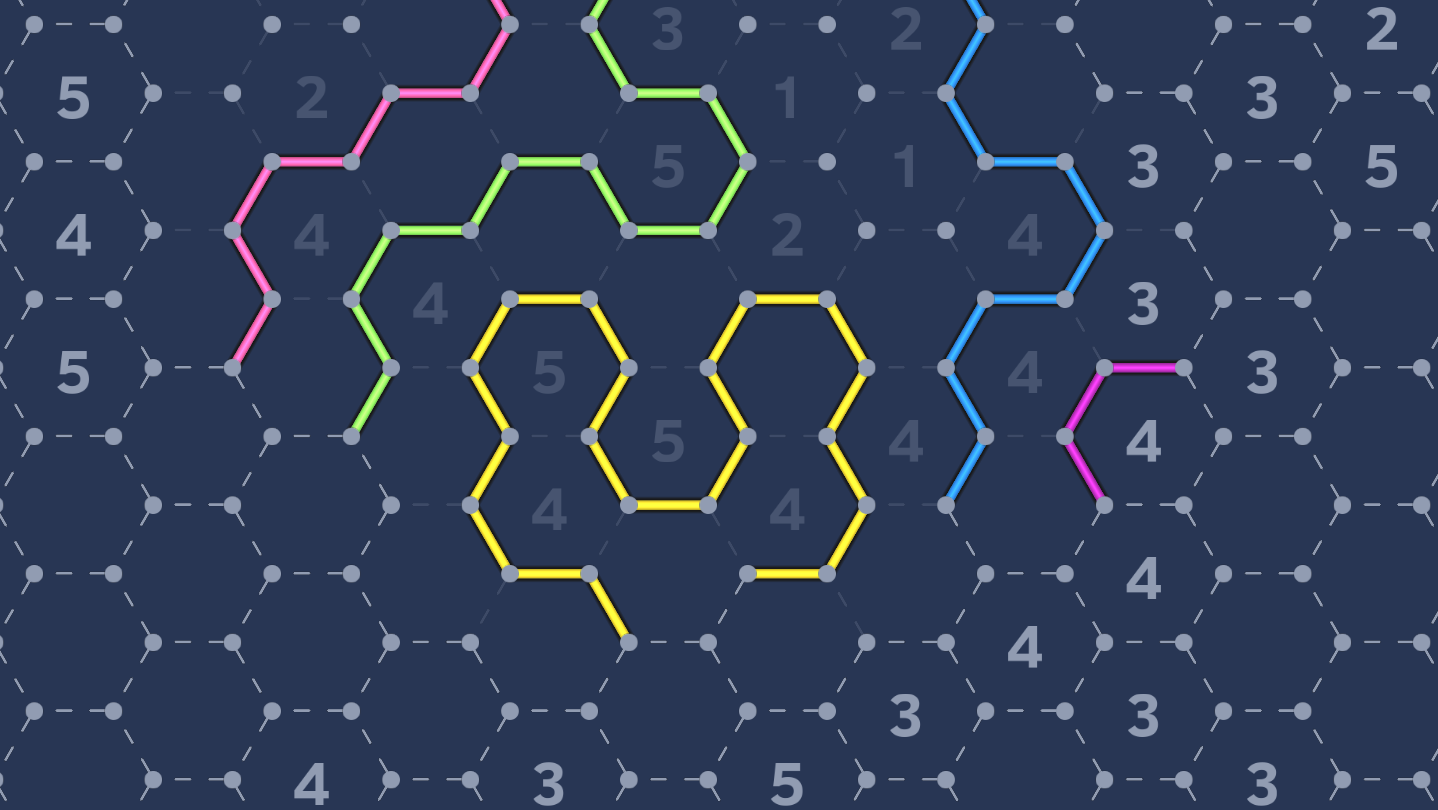
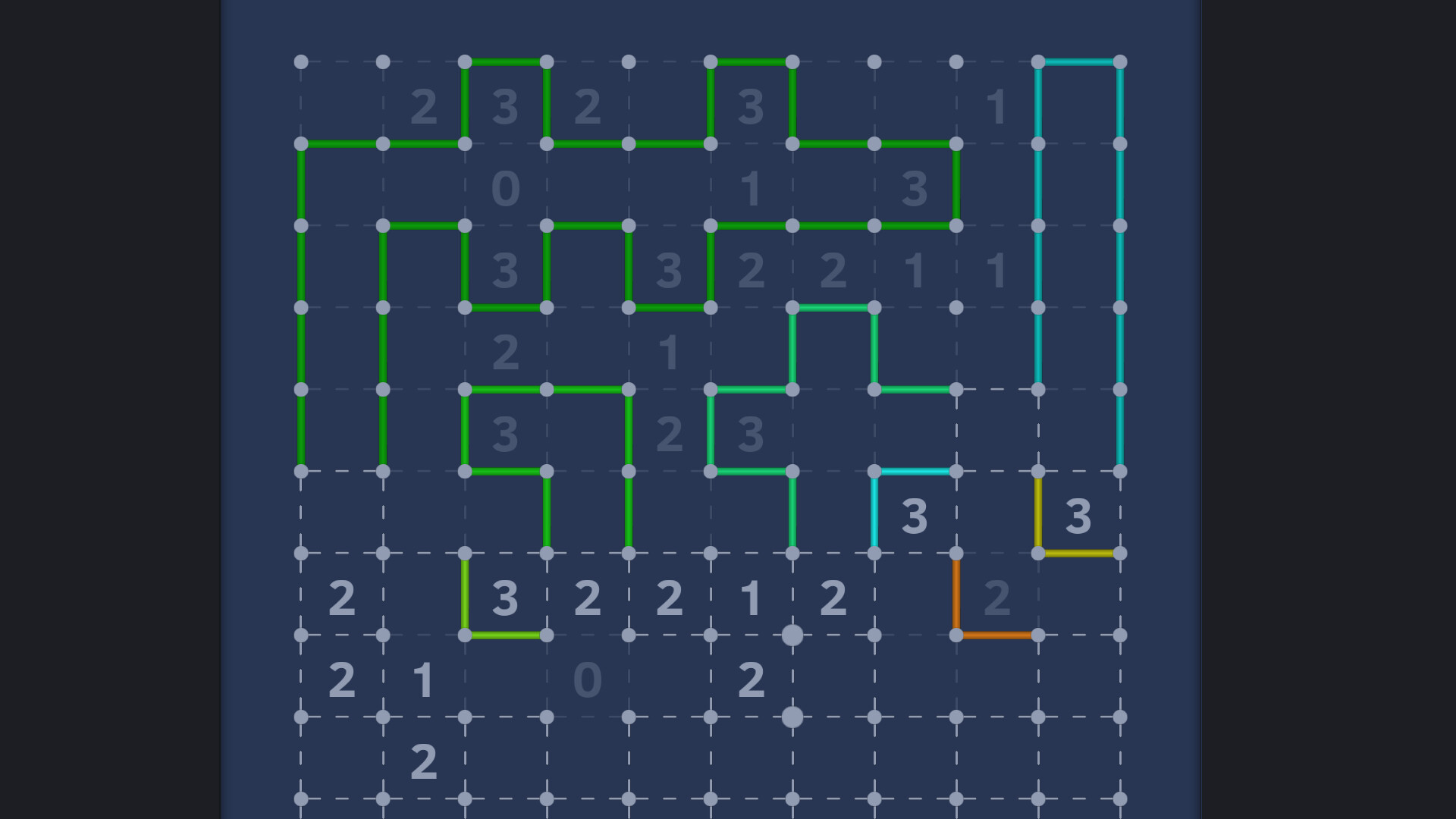
Slither Link Plus is a type of mathematical logic puzzle composed of a grid and numbers placed inside it. Based on the numerical clues, players must draw a single, continuous, closed loop along the edges of the grid.
🕹️ Rules:
On a grid of dots, connect adjacent dots with directional lines to form a closed loop.
A number in a cell indicates how many of its surrounding edges should be part of the loop. Empty cells may have any number of surrounding lines.
The loop must not intersect, branch, or split, and only one loop is allowed on the board.
✨ Features:
In addition to the classic square grid, this version also includes hexagonal, kite-shaped, and Cairo tiling boards — each offering unique logic patterns and solving strategies.
Includes 5 board types and over 250 + N handcrafted levels, suitable for players of all skill levels — from beginners to puzzle masters.
Multiple color themes are available to customize your visual experience.
Achievements system lets you unlock rewards by completing in-game levels.
A built-in level generator supports all board types and three difficulty settings, providing infinite randomly generated puzzles for endless play anytime.
✨ How to play:
When you are certain that a line should be placed at a certain position, left-click on that position to place the line. When you are sure that no line should be placed at a certain position, right-click on that position to mark it as having no line.
If you are unsure about what to do next during the game, you can click on the magnifying glass icon to use the hint function and get guidance for the next move.
If the hint function doesn't help solve the problem, you can use the assumption function. First, place a line, and then click the flag button. This action will bookmark the previous operation of placing the line. Then continue with the game. If you later find that you can't proceed further, you can long-press the undo button for 2 seconds to directly undo to the bookmarked position, thus eliminating the invalid operation you just made.
🧭 Controls:
Special Button Functions:
Flag: Click to toggle tab status. Hold for 2 seconds to delete all tabs.
Super Undo: Hold the undo button for 2 seconds to quickly revert back to the point near your last tab.
Toggle piano sound: Press and hold the Ctrl key while clicking the speaker button to toggle whether the piano sound is played.
Toggle disabledX: Press Ctrl and click thebutton to toggle the X indicator for manually right-clicked Disable.
Mouse Operations:
Drag Map: Hold the middle mouse button, or hold both left and right mouse buttons to drag the map.
Zoom: Use the mouse scroll wheel to zoom in and out.
Keyboard Shortcuts:
Undo: [
Redo: ]
Flag: P
Move Map: W / A / S / D
Zoom: Q / E
スクリーンショット
評価・レビュー
全体レビュー レビュー不足または未評価 好評率 100.00% / 9件 取得:2026年9月5日 01:33
日本語レビュー レビュー不足または未評価 好評率 100.00% / 1件 取得:2026年9月5日 01:33
ATTENTION
注目度メトリクス
プレイヤー推移
データ蓄積中 24時間平均選択した期間に観測データはありません。
Steamフォロワー推移
2件以上で集計 直近7日選択した期間に観測データはありません。
プレイヤー数とフォロワー数は意味と単位が異なるため、 別々の時系列として表示しています。補間した値は使用していません。
発売後注目度の基礎指標 発売済みタイトルのため、現在プレイヤー数・ピーク値・Steamフォロワー数を組み合わせて勢いを観測します。
| 指標 | 現在値 | 観測状況 |
|---|---|---|
| 現在プレイヤー数 | 1人 | 最終観測:2026年8月22日 23:41(32日経過) |
| 24時間ピーク | データ蓄積中 | 履歴あり・更新待ち・直近7日 0件 |
| Steamフォロワー数 | 未集計 | 最終観測:未集計 |
| 7日フォロワー増加 | 2件以上で集計 | 未集計・直近7日 0件 |
PlayMEXが保存した観測値です。取得時刻と観測数を あわせて確認できます。
ジャンル・機能
機能カテゴリ
Steam実績ファミリーシェアリング
ゲームライフログ
所有ゲームとして同期されると、 このゲームの記録を残せます。