
GAME DETAIL
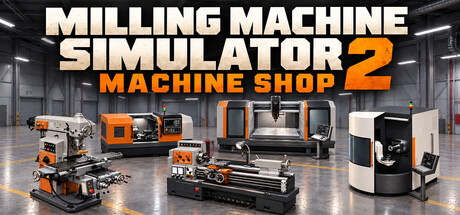
Milling Machine Simulator 2: Machine Shop
種別:ゲーム
発売日:2027年第1四半期
日本語対応
価格未定
Step into your own machine shop. Operate manual mills and lathes, write CNC G-code, and turn raw stock into finished parts with real-time material removal. Experiment in Free Play or put your machining skills to work in Career mode.
このゲームについて
Steamの詳しい説明を読む
FROM RAW STOCK TO FINISHED PART
Step into an industrial workshop where every cut shapes your creation.
Milling Machine Simulator 2: Machine Shop brings hands-on machining and CNC programming together in one factory. Secure your workpiece, choose your tools, set your cutting parameters, and watch material disappear as your part takes shape.
Operate the machines manually or let your G-code drive the process. From a simple facing operation to a complete machining sequence, you control how the job gets done.FIVE MACHINES. ONE WORKSHOP.
Move between different machines and discover how each one approaches the work.
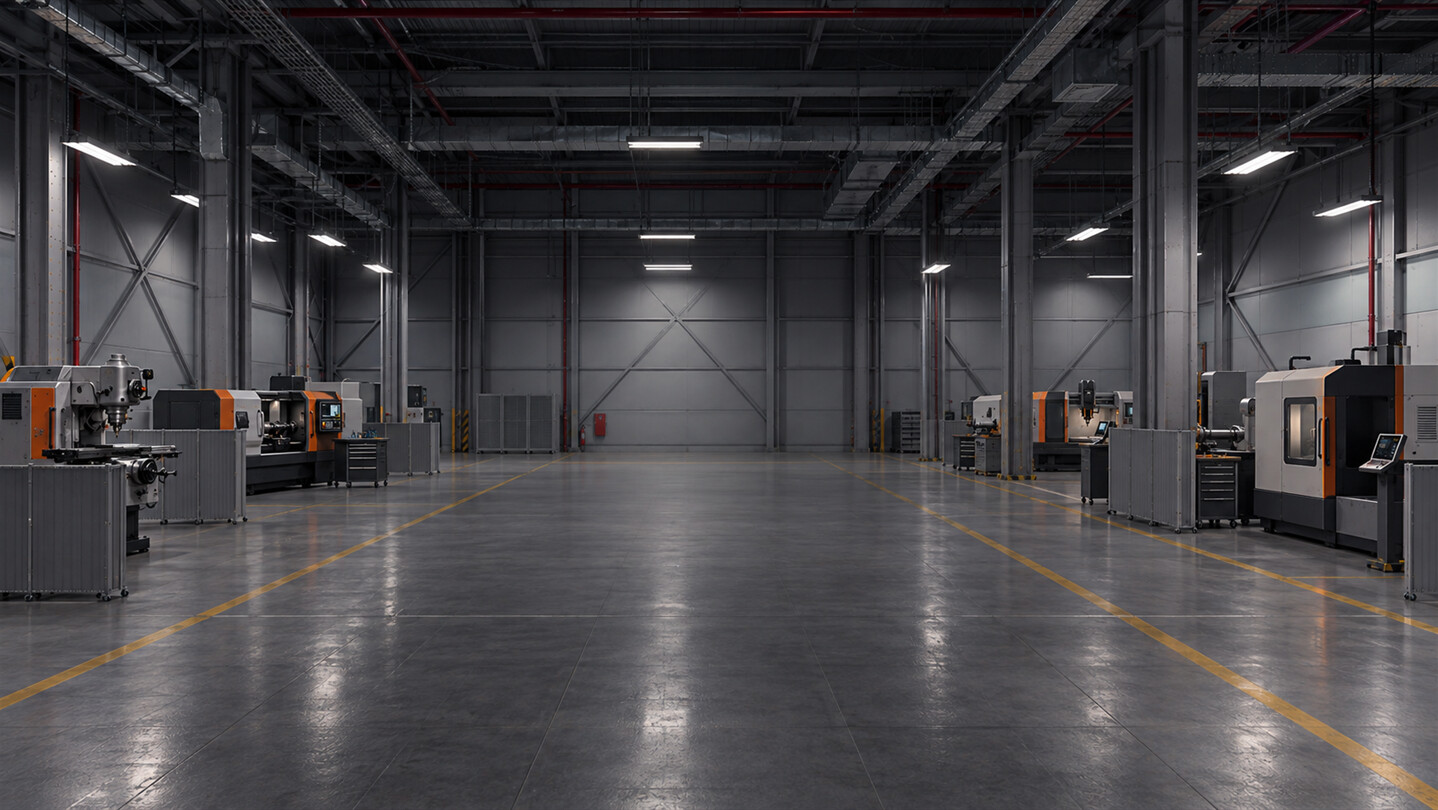
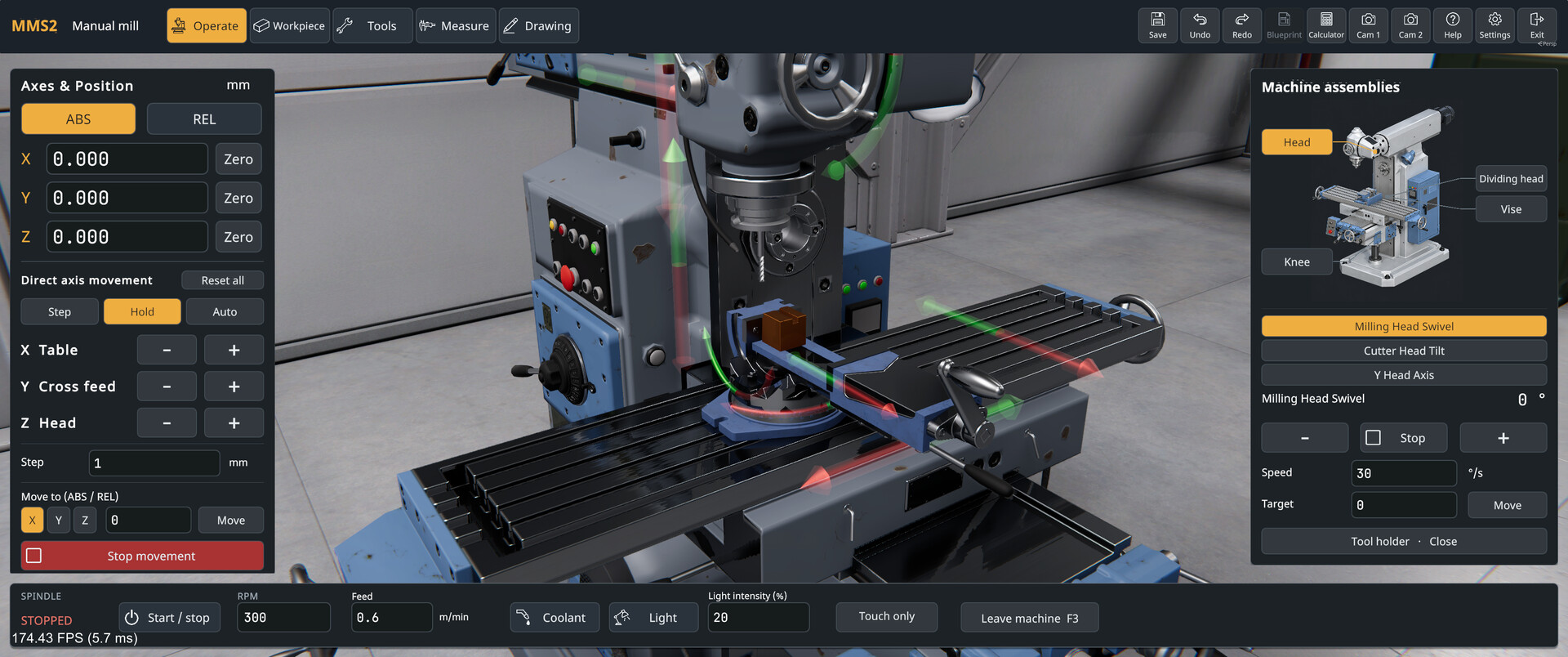
Manual Milling Machine — Take control of the handwheels, position your cutter, and machine your workpiece directly.
Manual Lathe — Work with rotating stock to turn diameters, face surfaces, and create profiles.
CNC Milling Machine — Write programs for milling, drilling, and repeatable tool movements.
CNC Lathe — Program turning operations with roughing, finishing, and threading cycles.
5-Axis CNC Milling Machine — Explore multi-axis machining and approach your workpiece from different angles.
All five machines are included in the base game.SET UP. CUT. REFINE.
Machining starts before the tool touches the material. Mount and secure your workpiece, fit the right tool, and choose your spindle speed and feed.
Real-time material removal lets you follow the result of each pass. Mill surfaces, cut pockets, drill holes, and turn profiles as you work toward your intended shape.
Experiment with your approach, inspect the result, and plan the next cut.PROGRAM YOUR CNC MACHINES
Bring your machining ideas to life with Fanuc-style G-code.
Enter individual commands through MDI or write complete programs in the integrated editor. Preview your toolpaths before machining, adjust your code, and watch the machine execute your instructions.
Start with straightforward movements, then build more advanced programs using cycles, offsets, subprograms, and macros.
Motion and positioning
Rapid positioning and linear interpolation: G0 and G1.
Clockwise and counterclockwise arcs: G2 and G3.
Selectable machining planes: G17, G18, and G19.
Metric and imperial units, plus absolute and incremental positioning.
Setup and cutting control
Work coordinate systems G54–G59 and programmable offset setting.
Tool radius and tool length compensation.
Feed per minute and feed per revolution.
Constant surface speed, fixed spindle speed, and spindle speed limits.
Tool changes, spindle direction, and coolant commands.
Machining cycles
Drilling, peck drilling, tapping, and boring cycles.
Lathe finishing and roughing with G70, G71, and G72.
Thread cutting with G32 and multi-pass threading with G76.
Macro programming
Variables and mathematical expressions.
Trigonometric and other mathematical functions.
Conditional execution with IF, branching with GOTO, and WHILE loops.
Subprogram calls for reusable machining sequences.
Available operations depend on the selected machine.CHOOSE YOUR WAY TO PLAY
Free Play
Take your time, try different techniques, and create your own parts. Explore the machines and experiment with manual operations or CNC programs at your own pace.
Career Mode
Work toward defined machining objectives and put your setup, programming, and cutting skills to the test.EXPAND YOUR TOOLBOX WITH MODDING
Bring custom tools into your workshop with tool modding. Expand your tool collection and explore new machining possibilities with tools tailored to your projects.SAVE YOUR WORK. KEEP CREATING.
Save your workpieces and return to them later. Export your creations in OBJ or STL format to use your finished geometry beyond the workshop.
Whether you enjoy operating machinery, exploring CNC programming, or seeing a finished part emerge from raw stock, there is always another cut to make.
スクリーンショット
ATTENTION
注目度メトリクス
プレイヤー推移
データ蓄積中 24時間平均選択した期間に観測データはありません。
Steamフォロワー推移
2件以上で集計 直近7日選択した期間に観測データはありません。
プレイヤー数とフォロワー数は意味と単位が異なるため、 別々の時系列として表示しています。補間した値は使用していません。
発売前注目度の基礎指標 発売前タイトルのため、Steamフォロワー数と7日増加を中心に注目度を観測します。
| 指標 | 現在値 | 観測状況 |
|---|---|---|
| 現在プレイヤー数 | 未集計 | 最終観測:未集計 |
| 24時間ピーク | データ蓄積中 | 未集計・直近7日 0件 |
| Steamフォロワー数 | 未集計 | 最終観測:未集計 |
| 7日フォロワー増加 | 2件以上で集計 | 未集計・直近7日 0件 |
PlayMEXが保存した観測値です。取得時刻と観測数を あわせて確認できます。
ジャンル・機能
機能カテゴリ
SteamワークショップSteam実績いつでもセーブ可能カスタム音量調整シングルプレイヤーファミリーシェアリング
ゲームライフログ
所有ゲームとして同期されると、 このゲームの記録を残せます。