
GAME DETAIL
ShellBlast: Legacy Edition
種別:ゲーム
発売日:2018年5月9日
日本語対応未確認
470円
Steamレビュー
好評
90.0%
10件
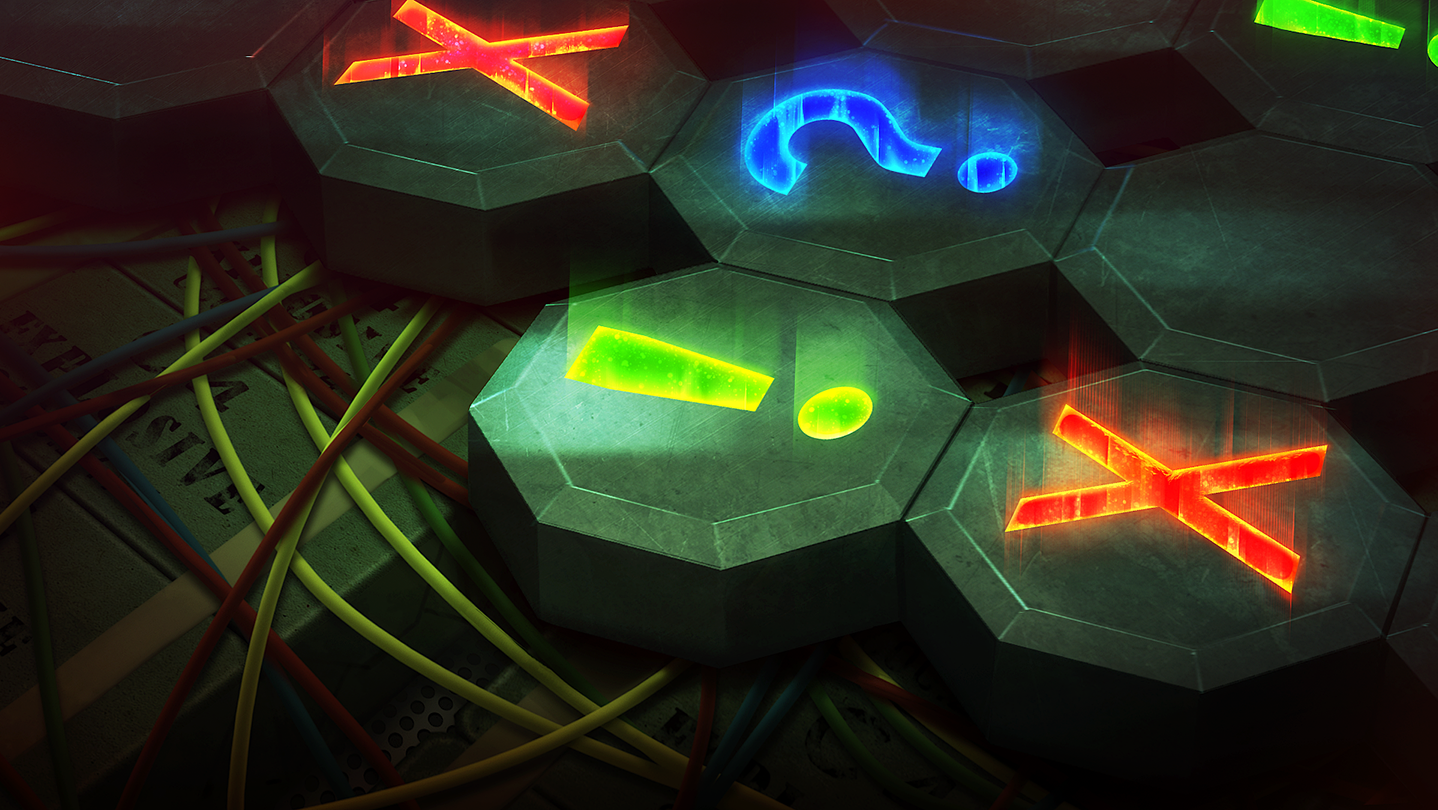
Described as a cross between Minesweeper and Picross, ShellBlast is an action packed puzzler where you travel the globe to defuse bombs before they explode.
このゲームについて
Steamの詳しい説明を読む
Described as a cross between Minesweeper and Picross, ShellBlast is an action packed puzzler where you travel the globe to defuse bombs before they explode.Game Features Include
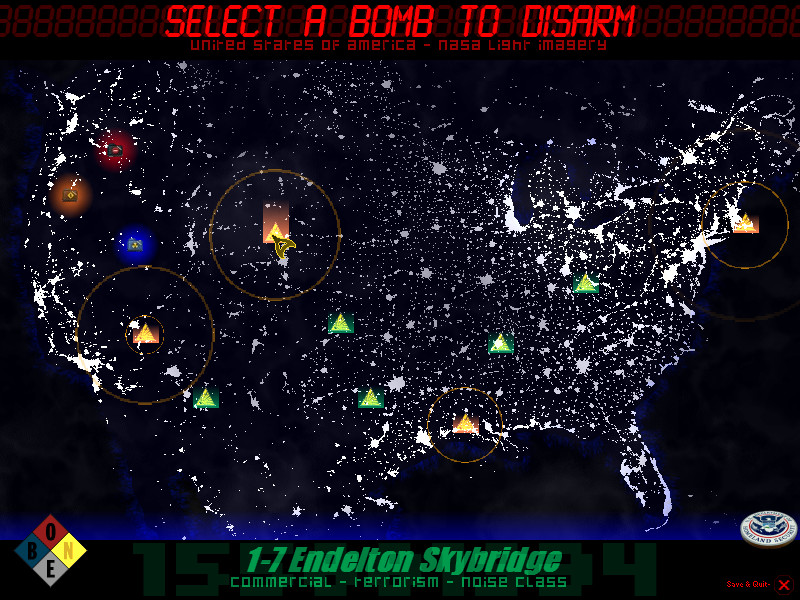
Classic Mode- Play the fifty-level campaign as you tour the world defusing bombs. From prank bombs to nuclear superweapons, this mode will give you the grand tour of what ShellBlast is all about.
Simulation Chamber- Choose from eighteen empty bomb shells and fill it to your specifications. Want a massive Biological bomb with a short timer? Or a small Oxidation bomb with plenty of extra helper tools like Chaff Grenades? Go for it!
Blast Editor- Build your own bomb from scratch using the editor or play custom levels built by others. Create the ultimate superweapon!
Endurance Mode- Take on this massive bomb one layer at a time. How many quadrants can you unlock?
Shell-Drop- A unique randomly generated bomb mode that puts you to the ultimate test. Can you beat the top ranking bomb solvers?
Puzzled- Take on the bomb from another angle…this time, using preset grids and an unlimited timer. Only true masterminds can solve the harder challenges…
Nuke- Team up with another agent working on the field to tackle one of the hardest bombs in the game!
NOTE: This is a Legacy release of Vertigo Gaming Inc.'s back catalog titles. Because it is an older game running on newer hardware there may be some unexpected errors. Here's how to solve them:
If you have an error of "Failed to load the game data, File seems corrupted.", you will need to disable the Print Spooler on your computer, as older GM8 games can have this issue. First, right click on This PC or My Computer and select Manage. Select Services and Applications on the left side bar and then select Services. Double click the "Print Spooler" key and go to the General tab, select Startup Type, then select Disabled. Finally, select Stop below the Service Status and then click Apply. The game should now boot up correctly.
If the game does not close properly and continues to run on Steam even after exiting the game, you will need to run it in compatibility mode to resolve this issue. Right click the game in your Steam Library, go to Properties, then Local Files, then Browse Local Files. Right click on the main .exe in the folder, and go to Properties. Click on the Compatibility tab, then click the "Run this program in compatibility mode for:" box and select Windows XP, then Apply and OK. Restart your computer, and the game will now correctly close after exiting.
スクリーンショット
評価・レビュー
全体レビュー 好評 好評率 90.00% / 10件 取得:2026年9月13日 14:00
ATTENTION
注目度メトリクス
プレイヤー推移
データ蓄積中 24時間平均選択した期間に観測データはありません。
Steamフォロワー推移
2件以上で集計 直近7日選択した期間に観測データはありません。
プレイヤー数とフォロワー数は意味と単位が異なるため、 別々の時系列として表示しています。補間した値は使用していません。
発売後注目度の基礎指標 発売済みタイトルのため、現在プレイヤー数・ピーク値・Steamフォロワー数を組み合わせて勢いを観測します。
| 指標 | 現在値 | 観測状況 |
|---|---|---|
| 現在プレイヤー数 | 0人 | 最終観測:2026年7月28日 16:18(58日経過) |
| 24時間ピーク | データ蓄積中 | 履歴あり・更新待ち・直近7日 0件 |
| Steamフォロワー数 | 40人 | 最終観測:2026年7月28日 16:18(58日経過) |
| 7日フォロワー増加 | 2件以上で集計 | 履歴あり・更新待ち・直近7日 0件 |
PlayMEXが保存した観測値です。取得時刻と観測数を あわせて確認できます。
ジャンル・機能
機能カテゴリ
シングルプレイヤーファミリーシェアリング
ゲームライフログ
所有ゲームとして同期されると、 このゲームの記録を残せます。